MP3 Downloader — User Manual
What is the MP3 Downloader?
The Mazmazika MP3 Downloader turns a YouTube or SoundCloud link into a clean MP3 you can save to your device — usually in about a minute. Paste a link, pick a quality, and download. Everything runs through Mazmazika; there's nothing to install.
Before you start
- You need an account. Log in (or register) before downloading — guests are sent to the sign-in page.
- It's a Pro feature. The MP3 Downloader is part of a paid plan. The bar at the top shows your plan (or prompts you to upgrade); unlimited access shows when your subscription is active.
Downloading a track
Open the MP3 Downloader from the sidebar. On the Download MP3 tab:
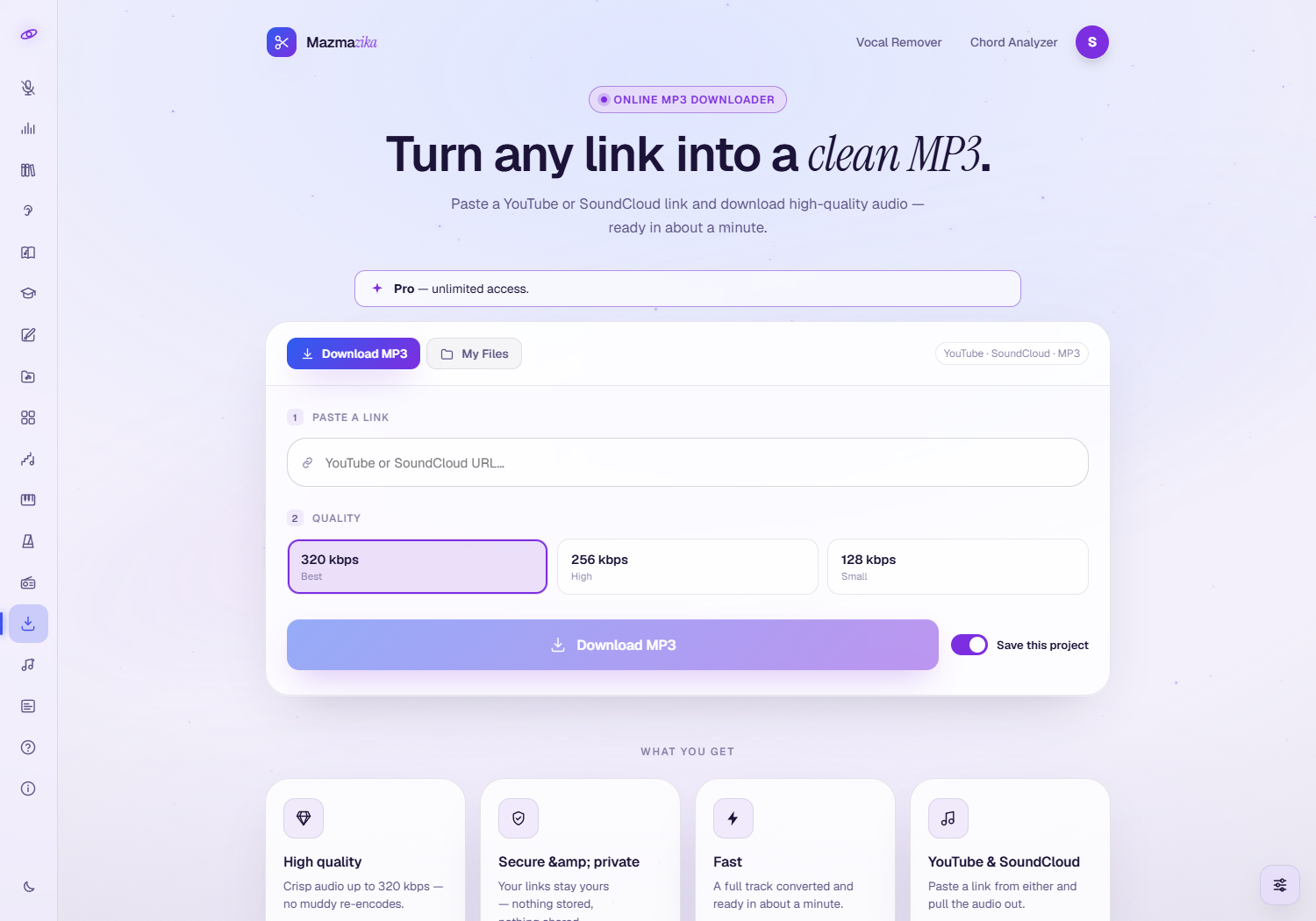
- Paste your link — a YouTube or SoundCloud URL.
- Choose a quality — 320 kbps (best), 256 kbps (high) or 128 kbps (smaller file).
- Leave Save this project on to keep the download in My Files for later — turn it off for a one-off.
- Click Download MP3. A progress ring shows while the audio is fetched and converted; when it's ready, the MP3 downloads to your device automatically.
Tip: during busy times your request may briefly wait in a queue — just leave the page open.
My Files — your saved downloads
When you're logged in, every saved download appears under the My Files tab, so you can grab it again without re-processing.
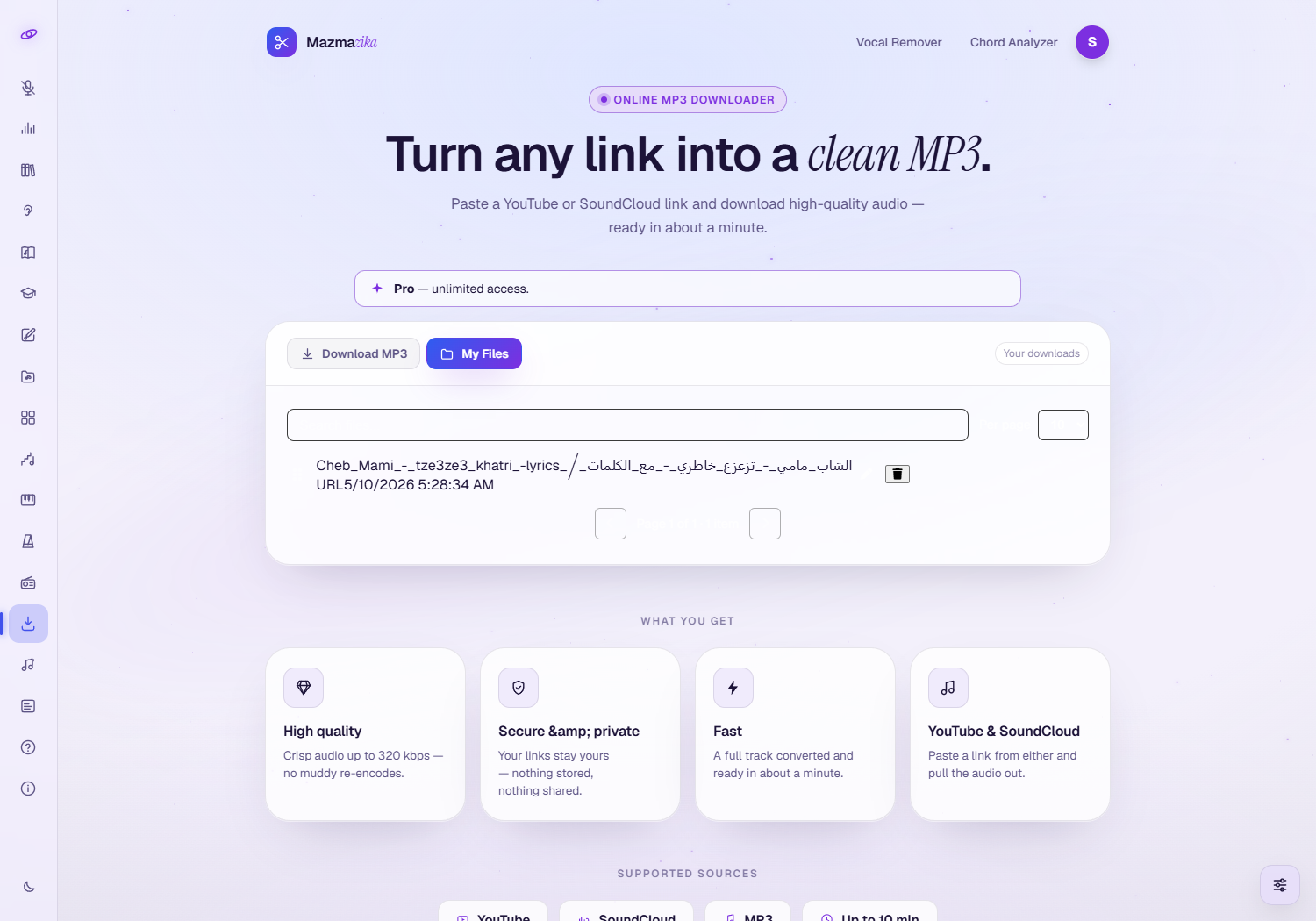
- Re-download a previous track.
- Rename entries and delete ones you no longer need.
Supported sources & limits
| Input sources | YouTube links, SoundCloud links |
| Output format | MP3 |
| Maximum length | 10 minutes |
| Typical time | About a minute for a normal-length track |
Tips
- Copy the link straight from the address bar of the YouTube or SoundCloud page.
- Keep Save this project on so you can re-download from My Files anytime.
- Only download content you have the right to use. Respect copyright and each platform's terms.
Troubleshooting
- "Please log in." You need an account to download — sign in and try again.
- Asked to upgrade? The MP3 Downloader is a Pro feature; subscribe to use it.
- The download won't start. Check the link is a valid YouTube/SoundCloud URL and the track is under 10 minutes.
- Nothing saved to my device? Check your browser's download permissions and your Downloads folder.
Related tools
Want to split a track into stems instead? Use the Vocal Remover. Want a song's chords? Try the Chord Analyzer. Just want to listen? Browse Music Radios.
Still need help?
Contact support