Music Theory — User Manual
What is Music Theory?
Mazmazika's Music Theory is a free, interactive course that takes you from your very first note on the staff all the way to harmony and form. It's made up of eight lessons packed with living notation, audio and hands-on drills — you don't just read about music, you hover, click and hear it. It runs entirely in your browser, works without an account, and you can jump in at any lesson.
The course hub
Open Music Theory from the sidebar. The hub presents the whole course as eight numbered cards — each shows the lesson title, a short description and the topics it covers. Click any card to open that lesson; there's no fixed order, so start at Lesson 1 or jump to whatever you want to brush up on.
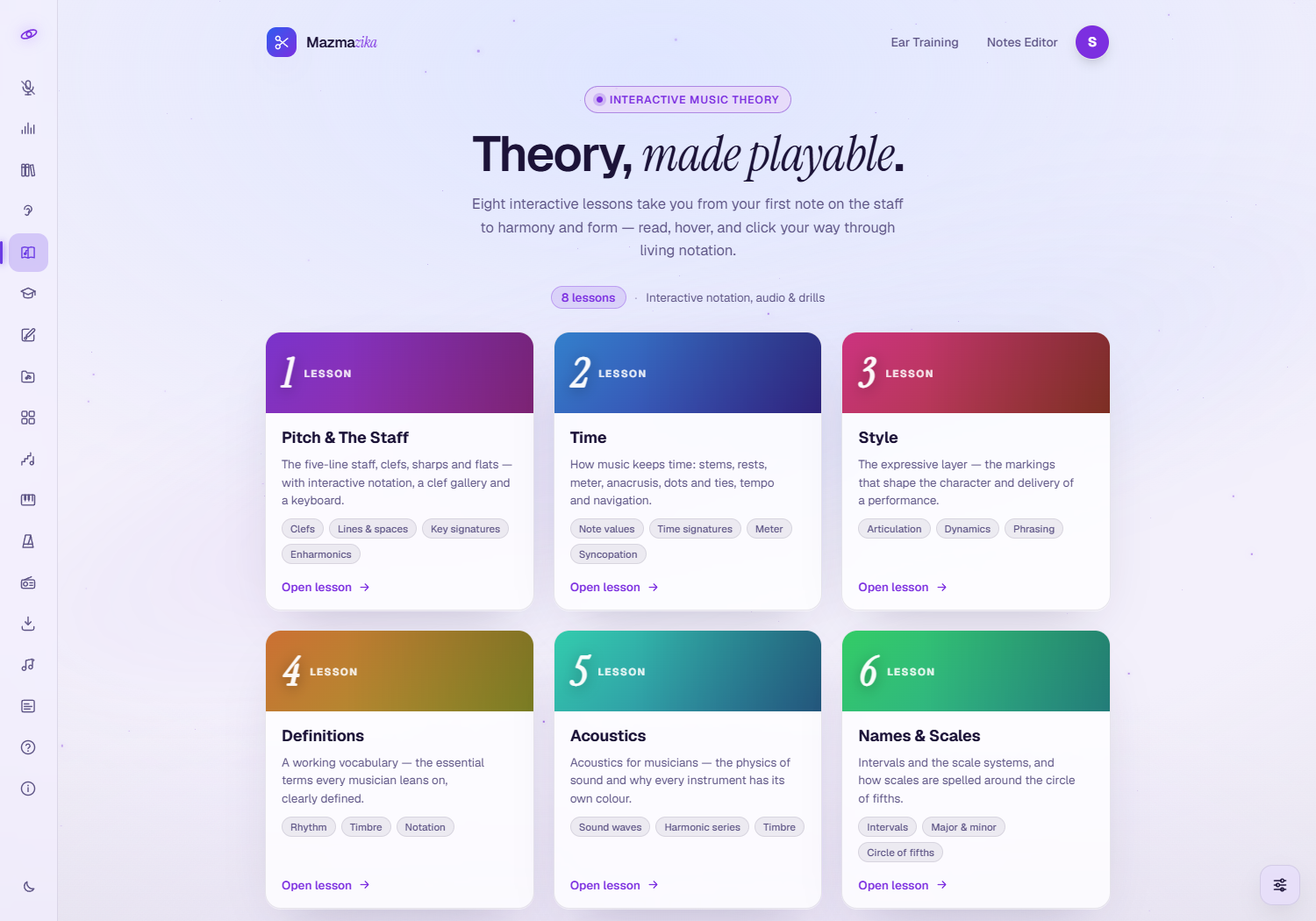
The eight lessons
| # | Lesson | What you'll learn |
|---|---|---|
| 1 | Pitch & The Staff | The five-line staff, clefs, lines & spaces, sharps & flats, key signatures and enharmonics |
| 2 | Time | Note values, rests, time signatures, meter, dots & ties, tempo and syncopation |
| 3 | Style | The expressive layer — articulation, dynamics and phrasing |
| 4 | Definitions | A working vocabulary — rhythm, timbre and notation terms every musician uses |
| 5 | Acoustics | The physics of sound — sound waves, the harmonic series and why instruments have their own colour |
| 6 | Names & Scales | Intervals, major & minor scales and the circle of fifths |
| 7 | Harmony & Form | Triads, seventh chords, progressions and how phrases build into structures |
| 8 | Challenges | Ear-training and applied drills that put the whole course to work |
Inside a lesson
Each lesson is split into short, numbered sections. Move through them with the Previous / Next buttons or the section picker at the top, and use First / Last to jump to the ends. When you finish a lesson, a link at the bottom takes you straight to the next one (or back to All lessons).
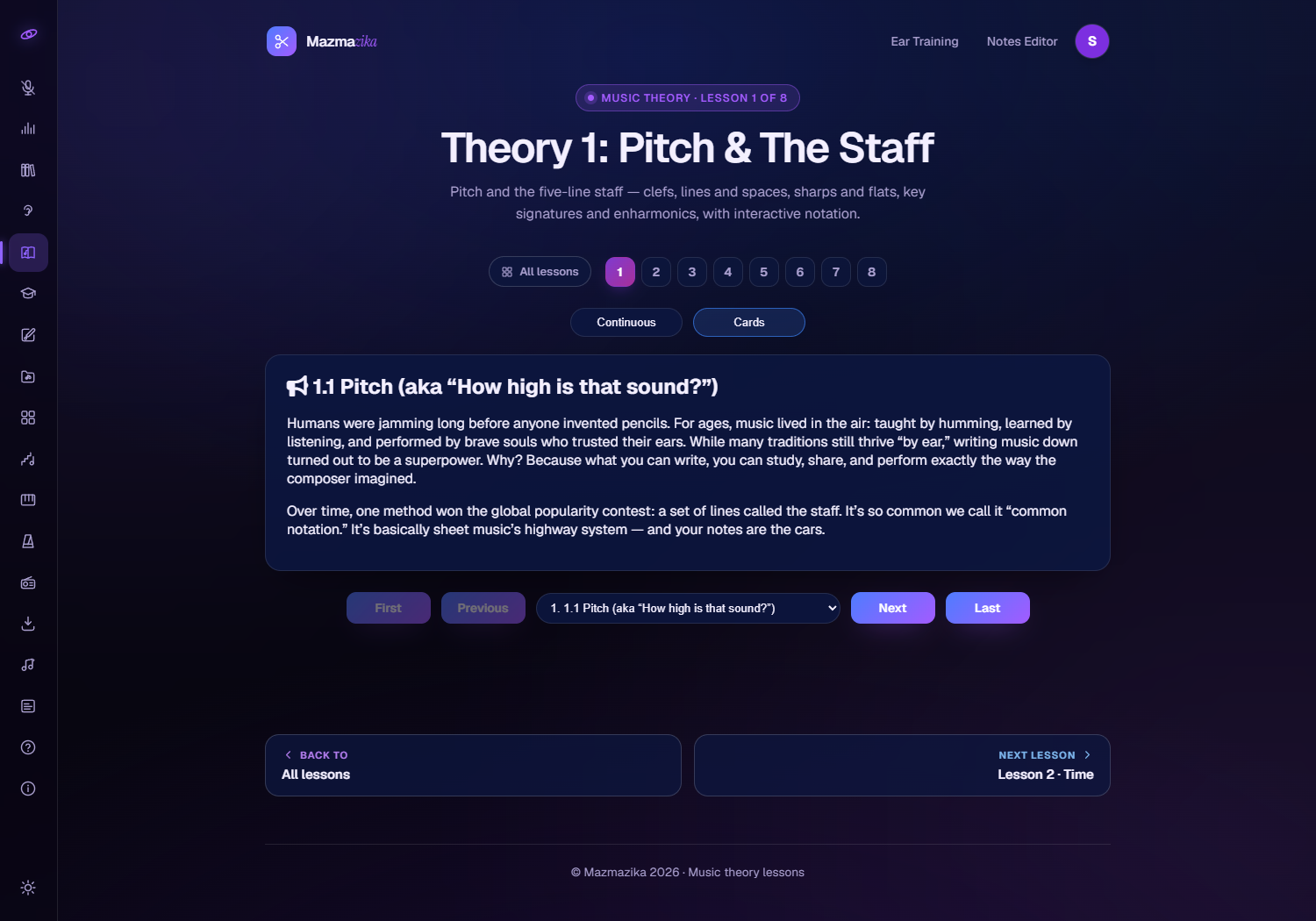
Living notation & interactive tools
The lessons aren't static text — they're full of things you can touch and hear:
- Real notation — examples are drawn on an actual staff, so you see the concept exactly as it appears in sheet music.
- Clef gallery — click between treble, bass, alto, tenor and octave clefs to see how the same pitch moves on the staff.
- Interactive keyboard — click keys to hear notes and connect them to their place on the staff (sharps, flats and naturals).
- Key-signature explorer — step around the circle of fifths and watch the sharps and flats change.
- Audio — hear intervals, scales and chords played, not just described.
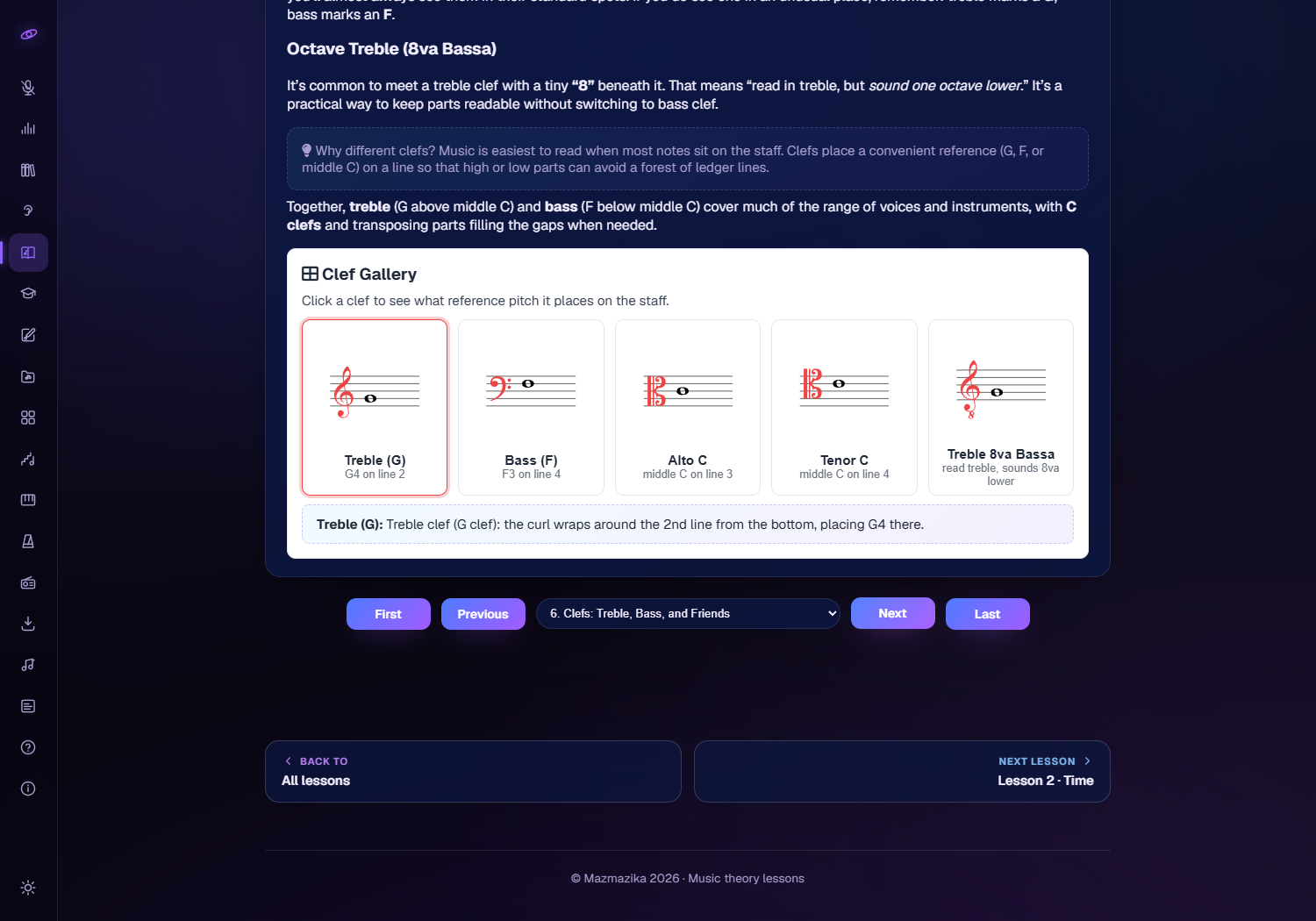
The first time you play a sound, click anywhere on the page so your browser allows audio.
How to get the most out of it
- Go in order if you're new. Lessons 1–2 (staff and time) are the foundation everything else builds on.
- Play with every widget. Click the keyboard, flip through clefs, move around the circle of fifths — doing beats reading.
- Use it as a reference. Jump straight to "Names & Scales" or "Harmony & Form" when you need to look something up.
- Finish with the Challenges. Lesson 8's ear-training and drills show you what's actually sinking in.
Who it's for
- Beginners learning to read music for the first time.
- Self-taught players filling gaps in the fundamentals.
- Students & teachers who want clear, interactive explanations to learn from or teach with.
Troubleshooting
- No sound? Click anywhere on the page once (browsers only allow audio after you interact), then check your device volume.
- A widget isn't responding? Give the lesson a moment to finish loading, then reload the page if needed — everything runs in your browser.
- Text feels small on mobile? The lessons are readable on phones, but the interactive notation and keyboard are most comfortable on a larger screen.
Related tools
Put the theory into practice: train your ear with Ear Training, explore scales and chords visually with Scales & Chords, try shapes on the Virtual Piano, or analyse a real song with the Chord Analyzer.